Our Roadmap
Know What’s Next, Planned, and In Progress! Stay informed. It’s constantly updated in real-time, giving you a clear view of our development journey at every step.



melisa (@melisa)

mtgagents2021 (@mtgagents2021)
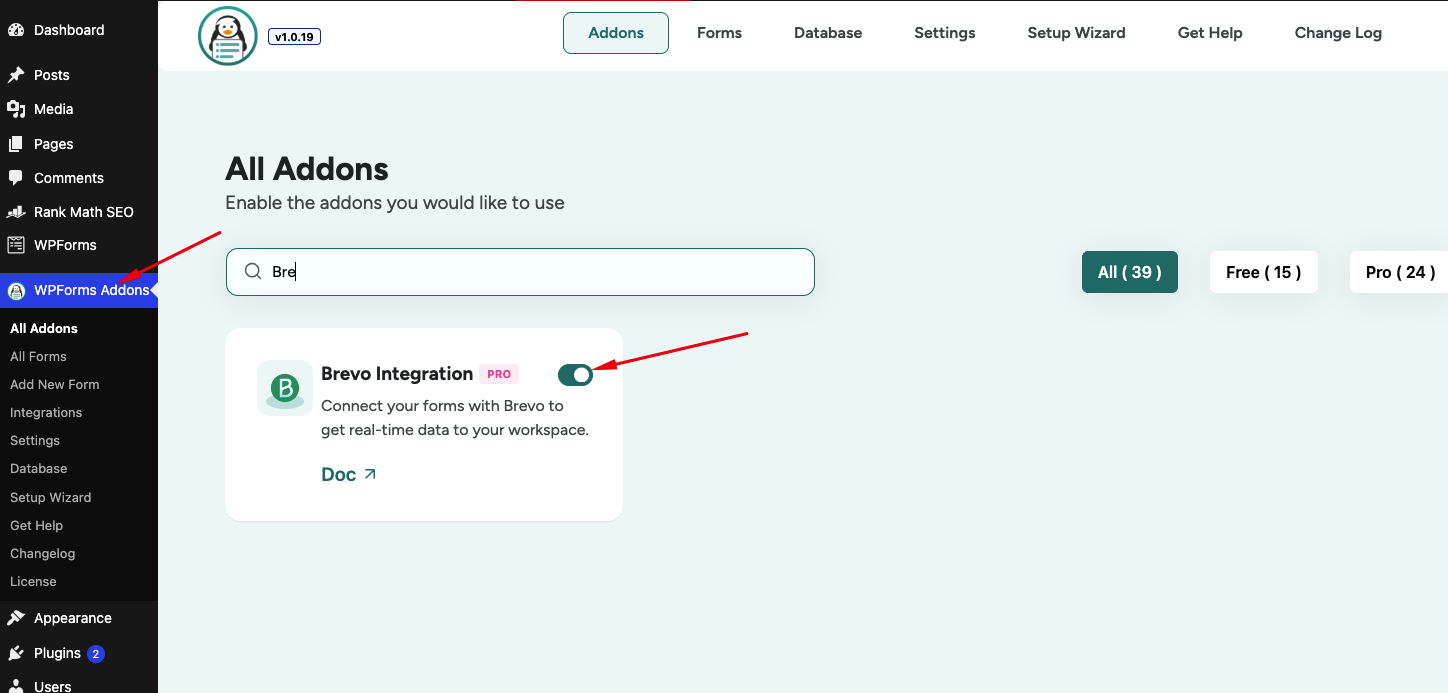
Using the Brevo addon for WPForms, you can automatically add and update contact details in your Brevo email marketing lists when a form is submitted.
Yes, the Brevo integration addon is fully compatible with both WPForms Lite and WPForms Pro.
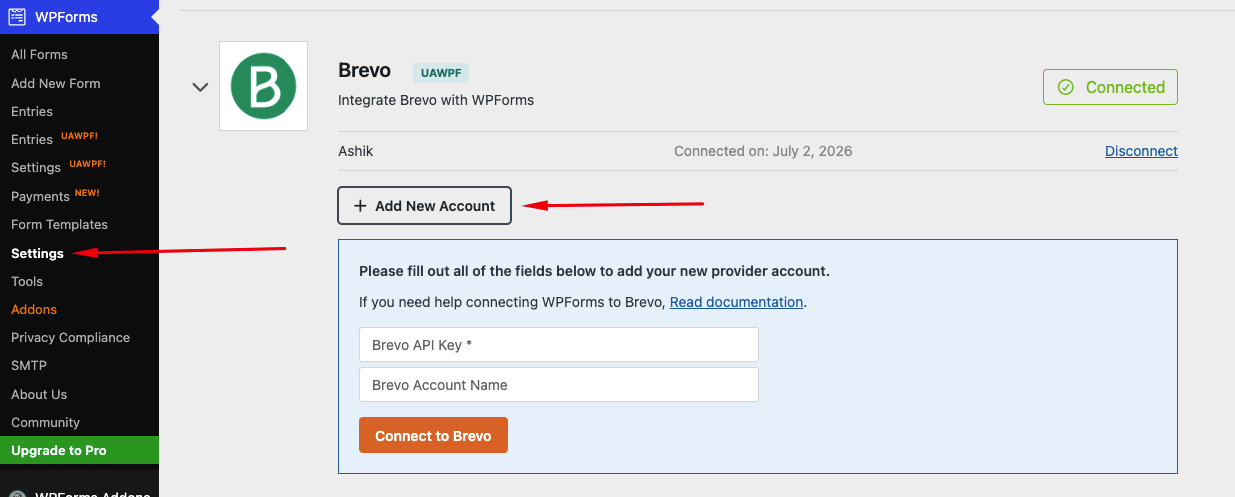
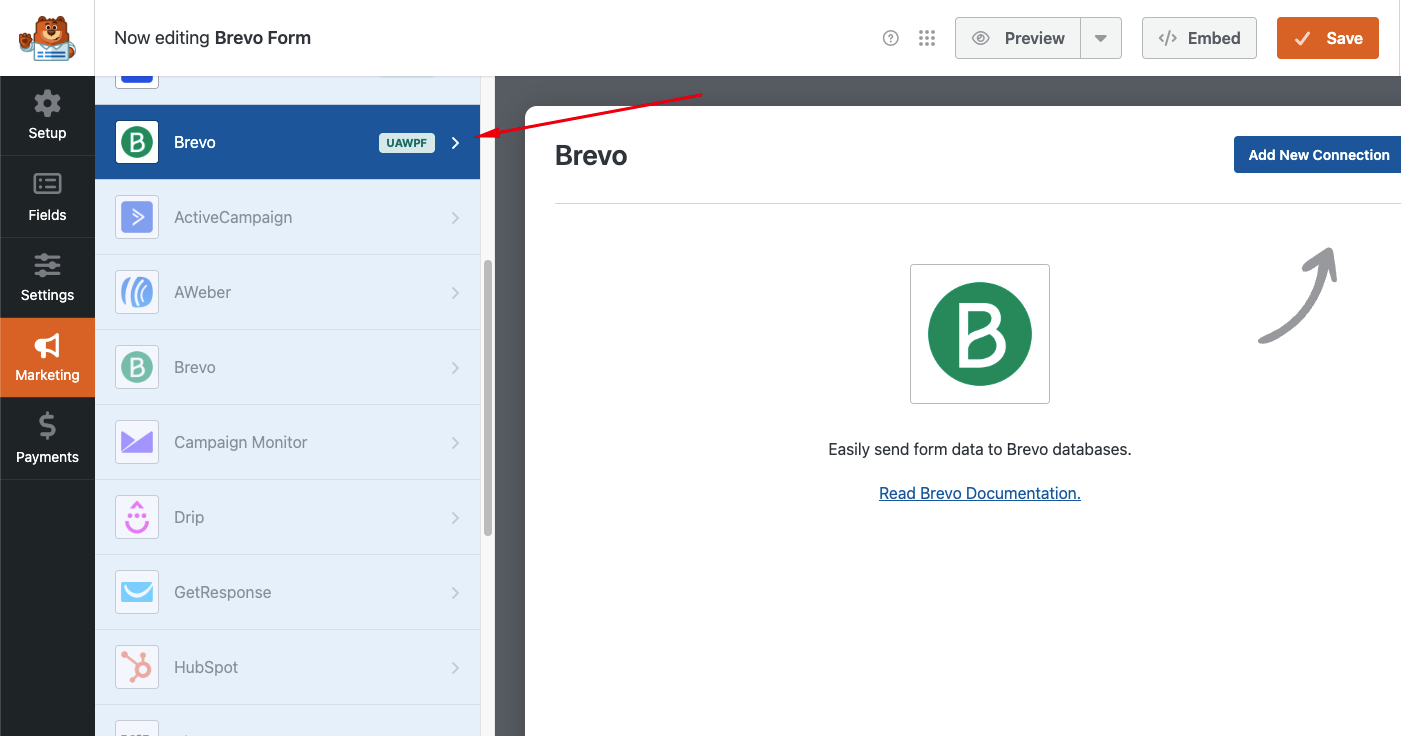
Simply generate an API key from your Brevo account profile, paste it into the WPForms settings under the Integrations tab, and connect your form in the form builder’s Marketing settings.
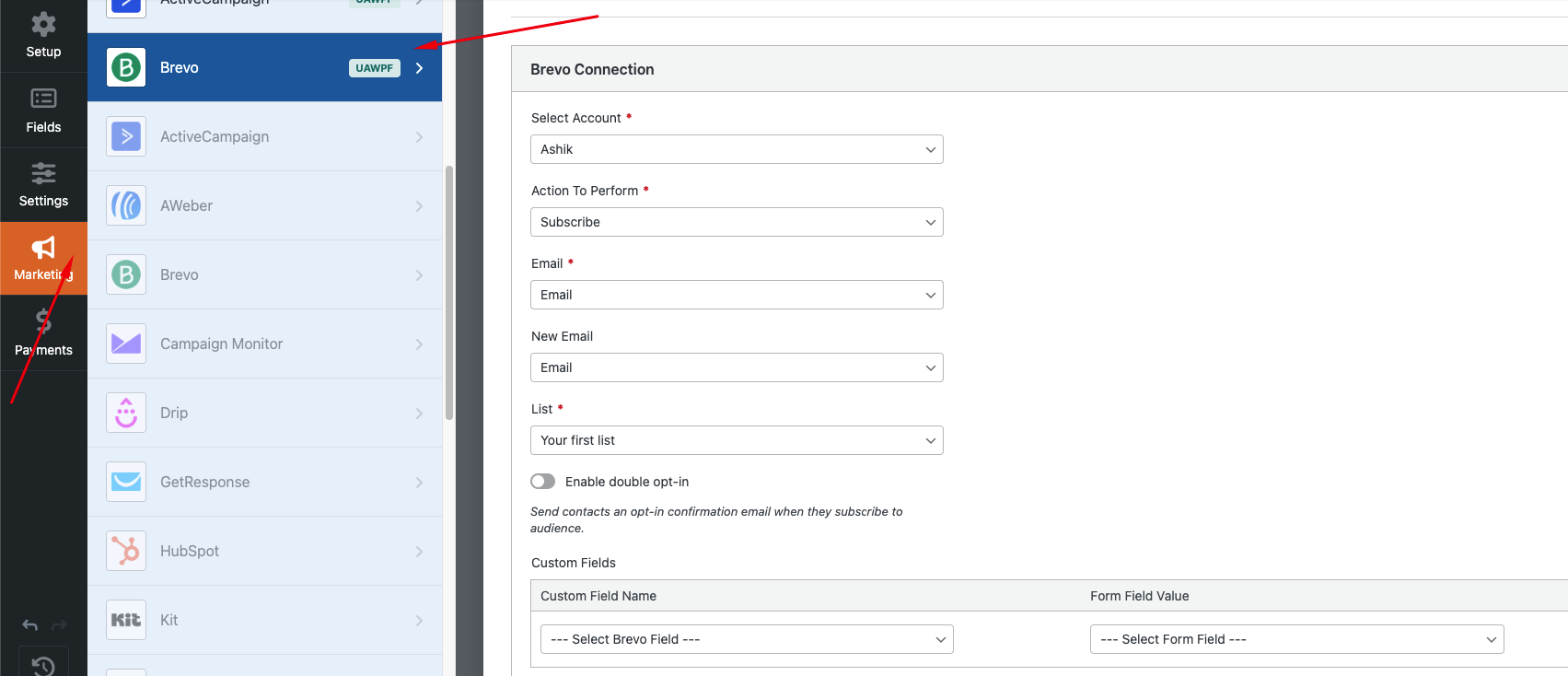
Yes, you can configure multiple connections within a single form or across different forms to send data to different lists or Brevo accounts.
Absolutely! You can map standard fields like name and email as well as custom form fields to Brevo contact attributes.
Yes, contact synchronization happens in real-time as soon as a user clicks the form submit button.