
No Credit Card Required
Database addon For WPForms
Never lose a form submission again! The Database Addon For WPForms securely stores all entries inside your WordPress database, giving you full access to view, manage, and export form data anytime — even if email notifications fail.
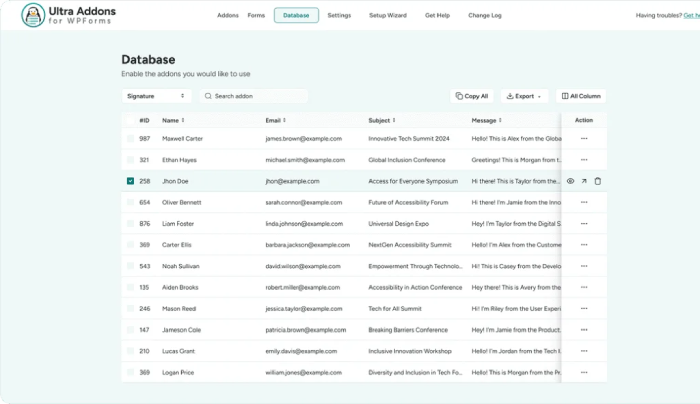
[Click the image to enlarge for a clearer view]
Securely Store and Manage WPForms Data
Try our Database Addon For WPForms
Our Database Addon For WPForms securely stores every submission in your WordPress dashboard. No more missed entries or lost opportunities.
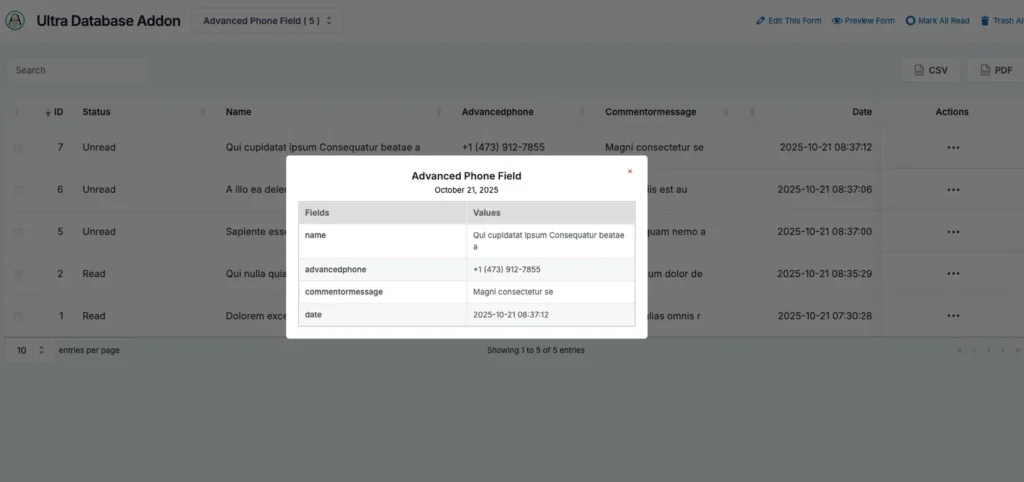
Instantly Preview Form Submissions
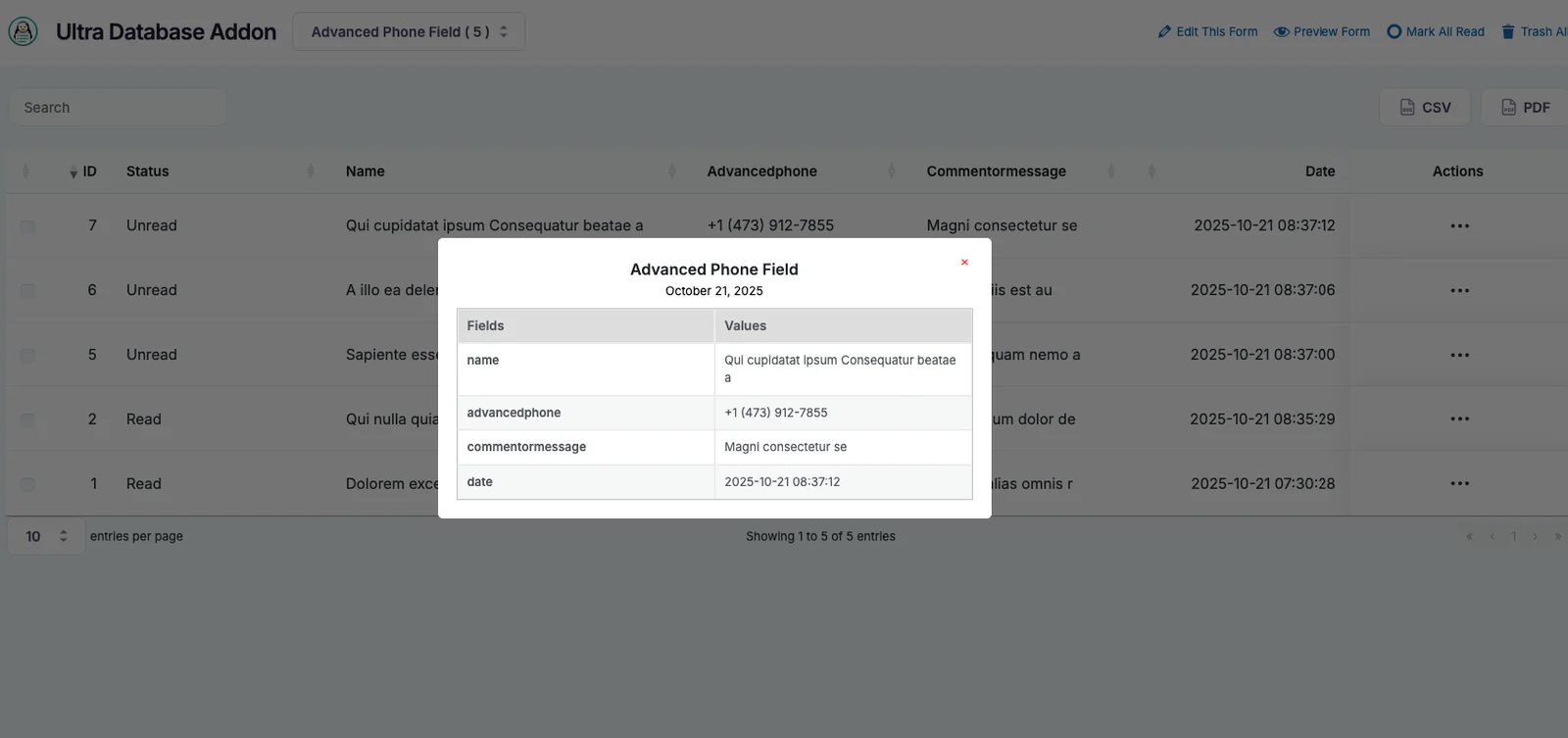
With Submission Quickview, you can easily access key information at a glance, helping you stay on top of all your entries
Export Data for Reports or Analysis
Download your form submissions as CSV files for backups, reports, or integrations. Perfect for data analysis, marketing insights, or sharing with your team.
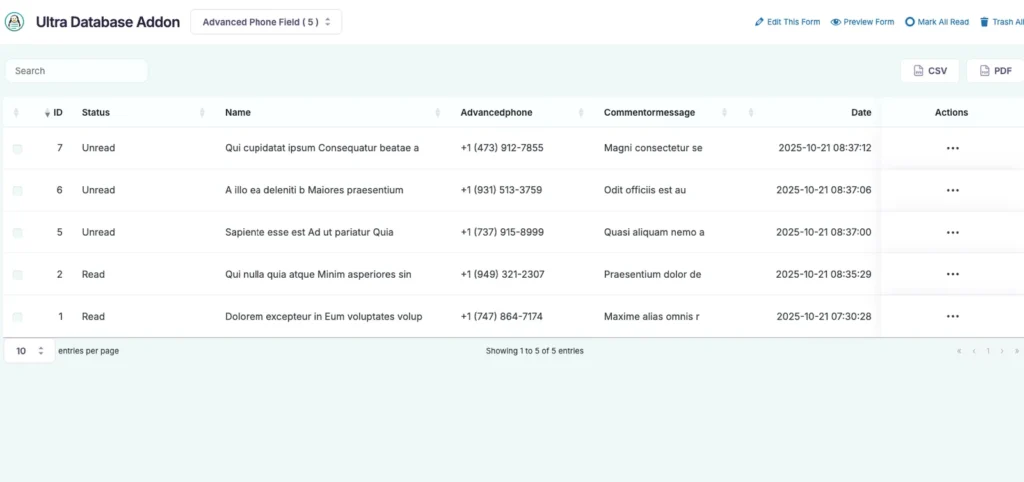
Restore or Reuse Form Data Anytime
Never lose important information again. All entries are securely stored in your database — you can restore, review, or reuse them whenever you need.
Search & Filter Submissions
Quickly find any form entry using advanced search and filter options. Sort by form, date, or field value to access the exact data you need in seconds.
View All Entries in One Place
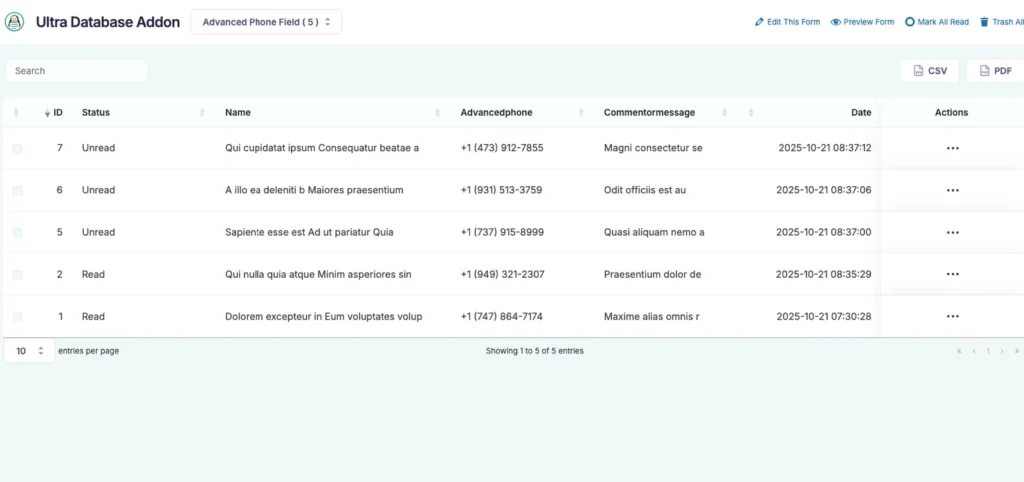
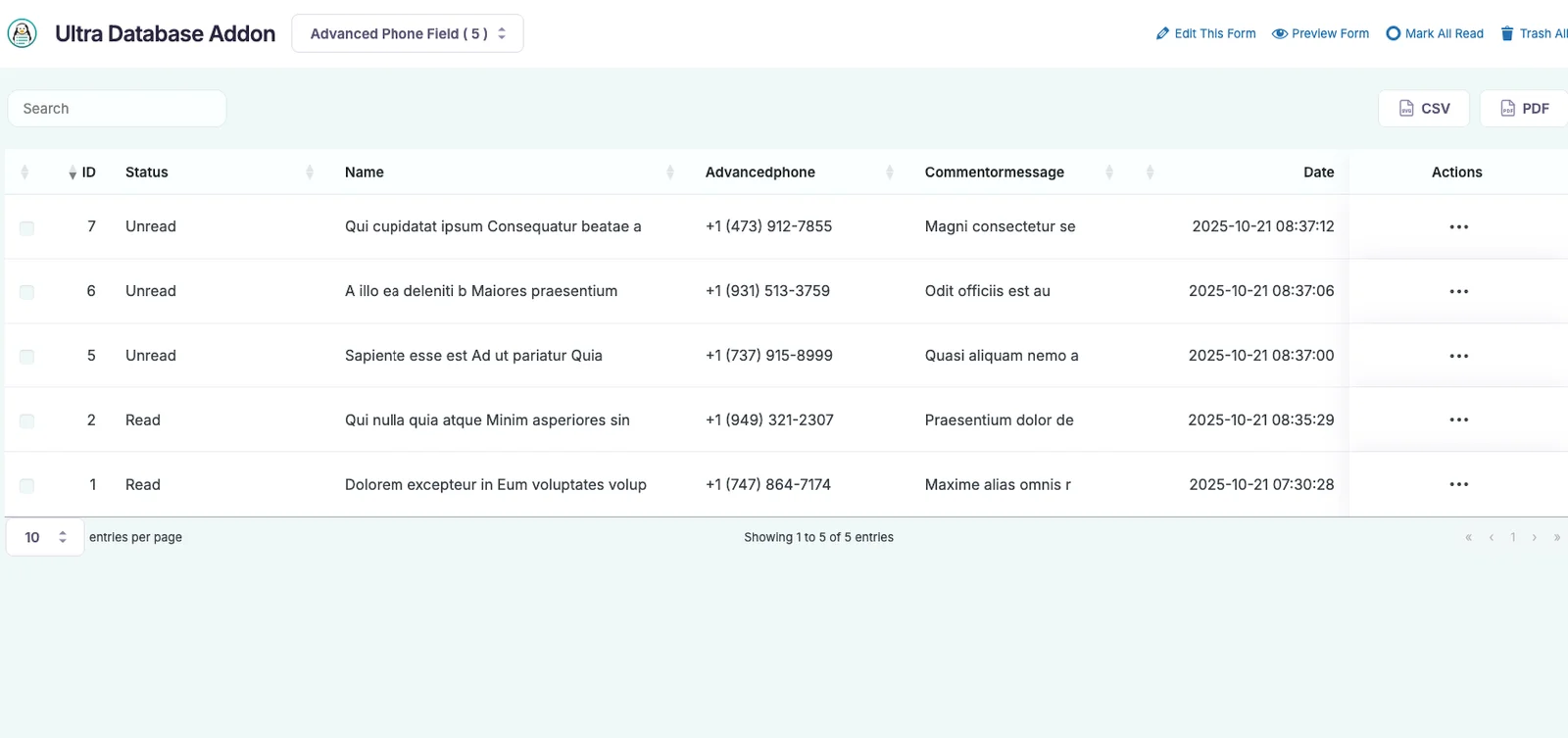
Easily access and manage all your WPForms submissions directly from your WordPress dashboard. No need to check email inboxes or third-party tools — everything is neatly organized in one place.
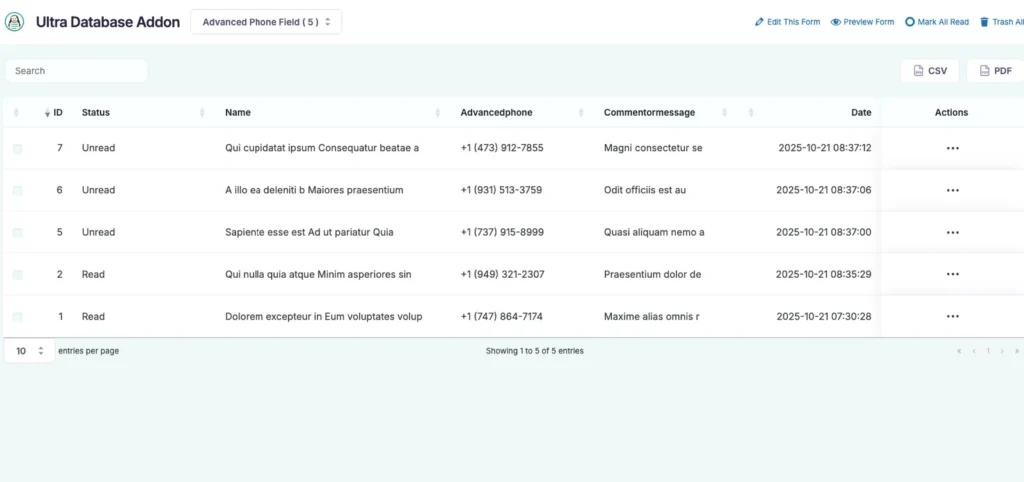
Manage Entries with Bulk Actions
Save time by managing multiple entries at once. Use bulk delete, export, or mark-as-read options to keep your form data organized and efficient.
Click to Enlarge
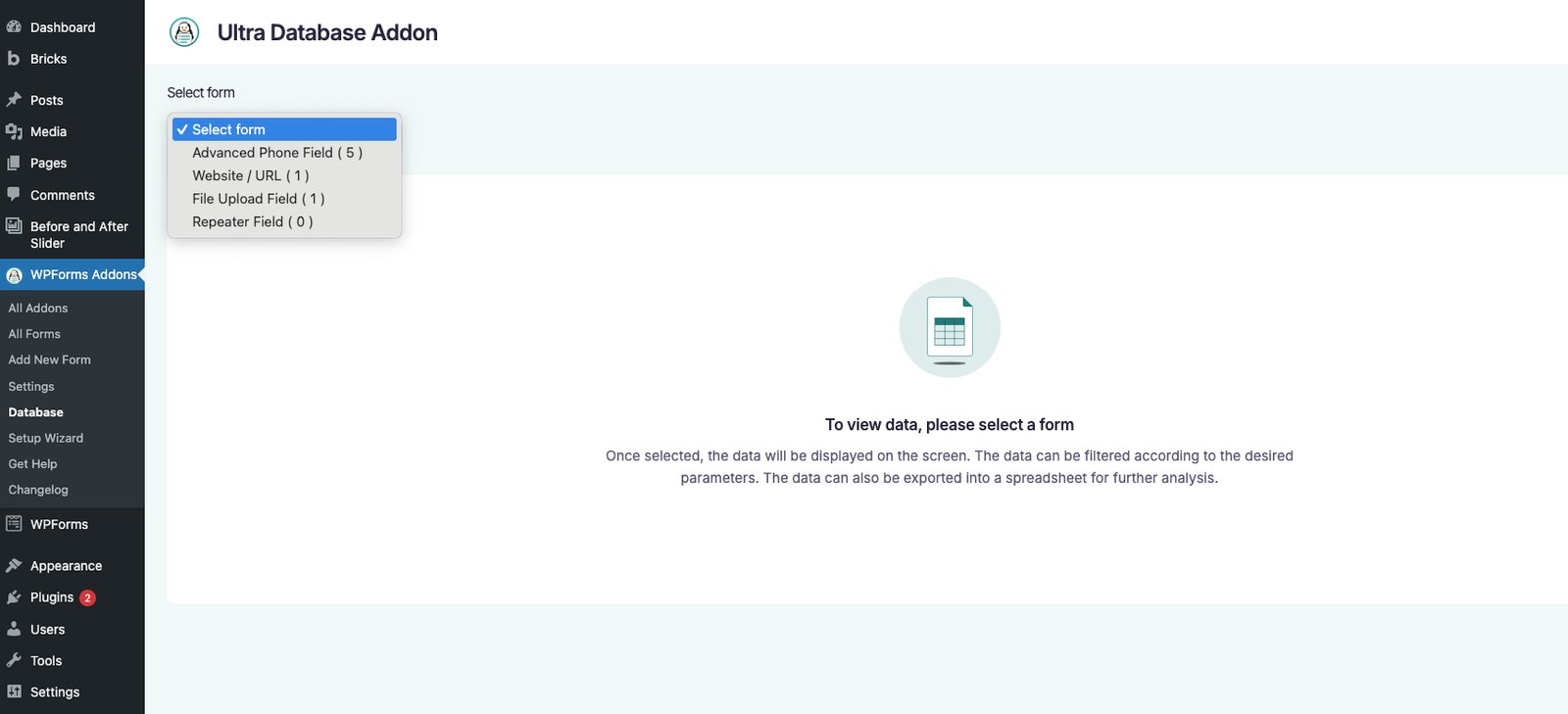
A Sneak Peek of the Backend Editing Panel
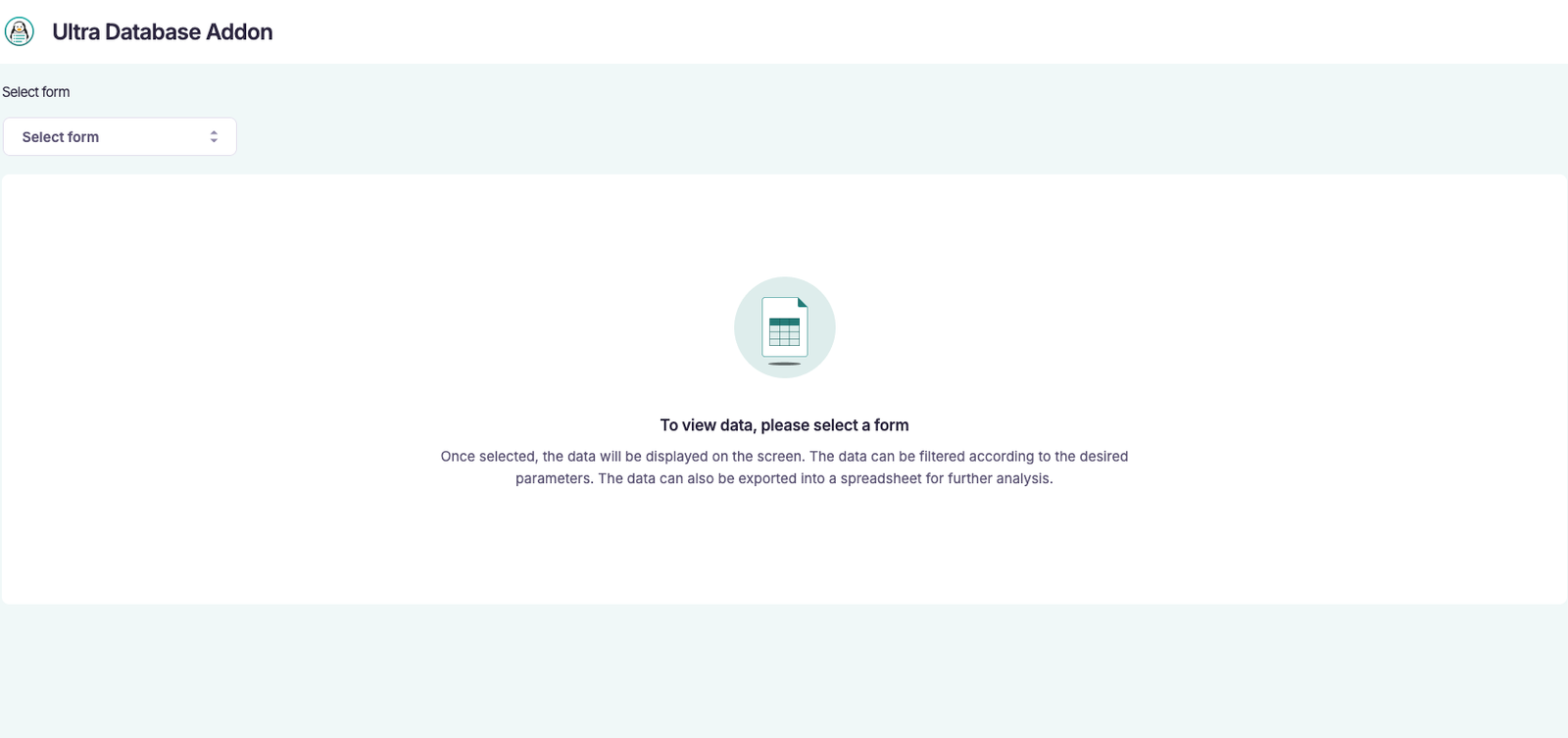
Discover how effortless it is to manage and customize your Database Addon For WPForms. Explore the intuitive backend interface — view entries, filter and search data, export submissions, and control all settings with ease. Click the image to enlarge and experience the full flexibility and power of your form management workflow.
People Also Asked...
Great features on the plugin! Even in the free version.
The best support I have ever came across. Thank you
Joynal for you help
The best support I have ever came across. Thank you
Joynal for you help

scribnet (@scribnet)

The support from the team has been incredible, they
have listened to our needs, worked out solutions, and
implemented them within the plugin very quickly.
have listened to our needs, worked out solutions, and
implemented them within the plugin very quickly.
mtgagents2021 (@mtgagents2021)
Where are my form submissions stored?
All submissions are securely saved in your WordPress database. You can view, search, and manage entries directly from the Addons For WPForms > Database entries page without relying on email notifications.
Can I export form submissions?
Yes! You can easily export your entries as CSV files for backups, reporting, or integrating with other tools. Bulk export options make handling large volumes of submissions simple.
Can I search or filter my entries?
Absolutely. The addon includes advanced search and filter features, letting you sort submissions by form, date, or specific field values for quick access to the data you need.
Will I lose entries if email notifications fail?
No. All submissions are stored in your database automatically, so even if email notifications fail, your data remains safe and accessible.
Can I perform bulk actions on multiple entries?
Yes! You can delete, export, or mark multiple entries at once, making it easy to manage large volumes of submissions efficiently.
Discover More Powerful Features!
Love this feature? You’ll be pleased to know that there’s a whole range of other powerful addons which works perfectly with our WPForms Database Addon.

Website / URL
Here goes your text ... Select any part of your text to access the formatting toolbar.
Demo
File Upload Field
Easily allow users to upload images, documents, or any file type directly through your WPForms — simple, secure, and flexible.
Demo
Database addon
The Database addon helps store form data, view data in the admin backend, and export data in CSV format.
Demo
Multistep Addon
Create stunning multi-step forms with WPForms. Ideal for long forms and surveys.
Demo
Repeater Field
With this addon, you can add Repeatable Fields to WPForms. You can add all kinds of fields from text, files, checkboxes, radio buttons, textarea etc.
Demo
Mailchimp Addon
A key feature of Mailchimp Pro is the ability to add an acceptance checkbox to your forms. It will give users the choice to opt-in to receiving emails
DemoWe need your help!
Love this feature? You’ll be pleased to know that there’s a whole range of other powerful addons which works perfectly with our WPForms Database Addon.
