Our Roadmap
Know What’s Next, Planned, and In Progress! Stay informed. It’s constantly updated in real-time, giving you a clear view of our development journey at every step.

Enter password: 1234 to unlock the form.


rahmanweb (@rahmanweb)

mtgagents2021 (@mtgagents2021)
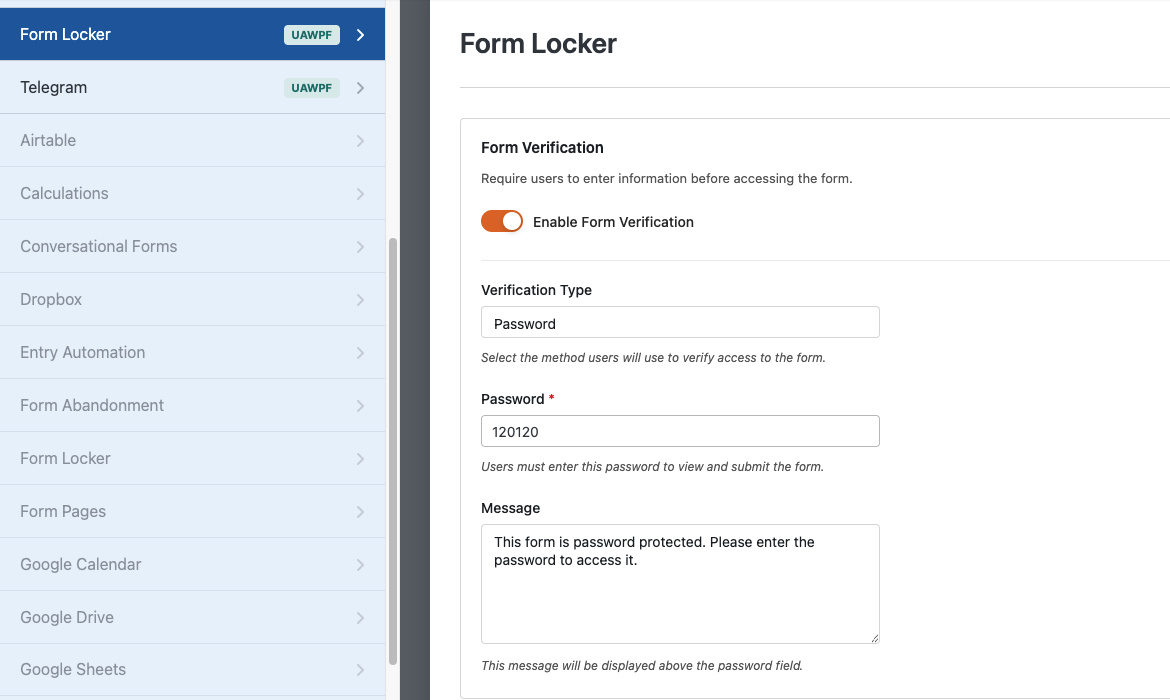
With the Form Locker addon, you can add wpforms password protection using password verification and control who can access your forms. It’s perfect for private registrations, exclusive content, internal forms, member-only applications, and secure submissions.
No coding knowledge is required. The addon is beginner-friendly and allows you to enable password protection and configure verification settings directly from the WPForms builder.
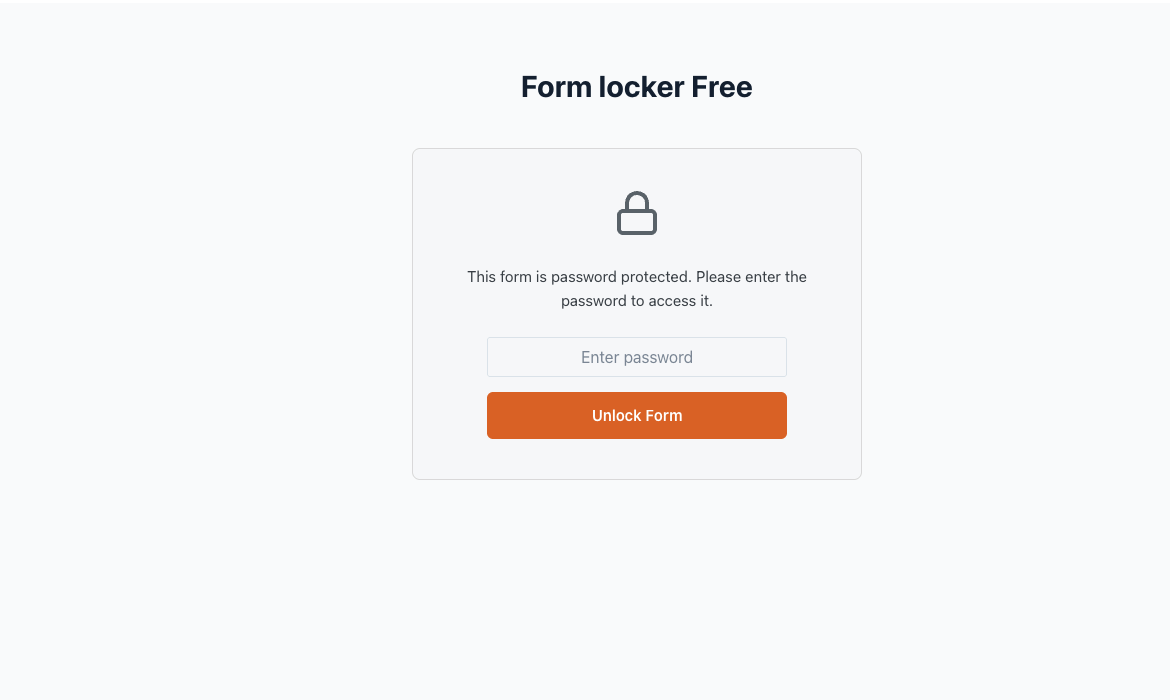
Yes, you can add password protection to any WPForms form with just a few clicks. Users will need to enter the correct password before they can access and submit the form.
Absolutely. You can fully customize the message displayed above the password field to provide instructions or branding for your users.
No. The form remains hidden until the correct password is entered, helping you keep your forms private and secure.