Our Roadmap
Know What’s Next, Planned, and In Progress! Stay informed. It’s constantly updated in real-time, giving you a clear view of our development journey at every step.



scribnet (@scribnet)

mtgagents2021 (@mtgagents2021)
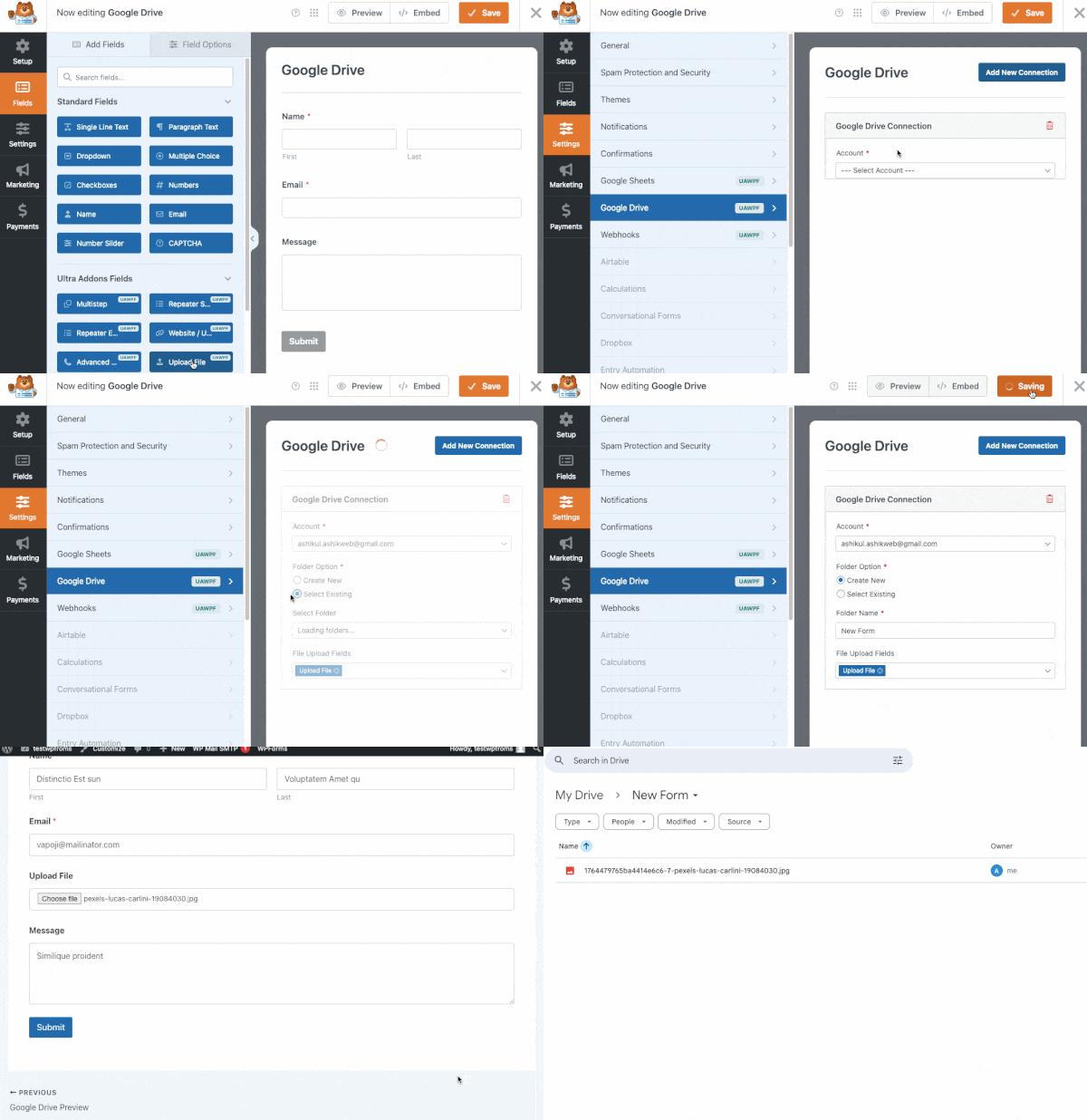
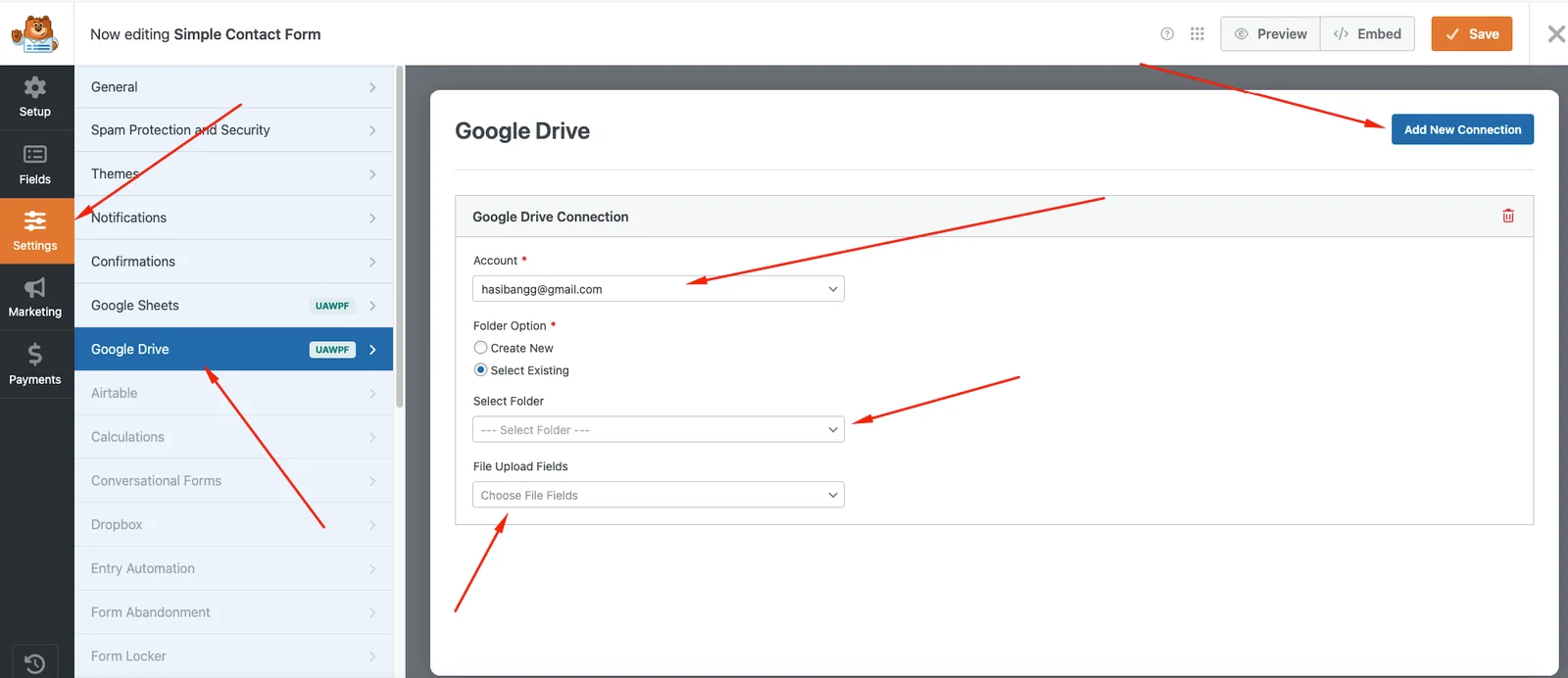
When a user submits a WPForms form with file uploads, the addon automatically sends those files directly to your chosen Google Drive folder. No manual downloading or organizing is required.
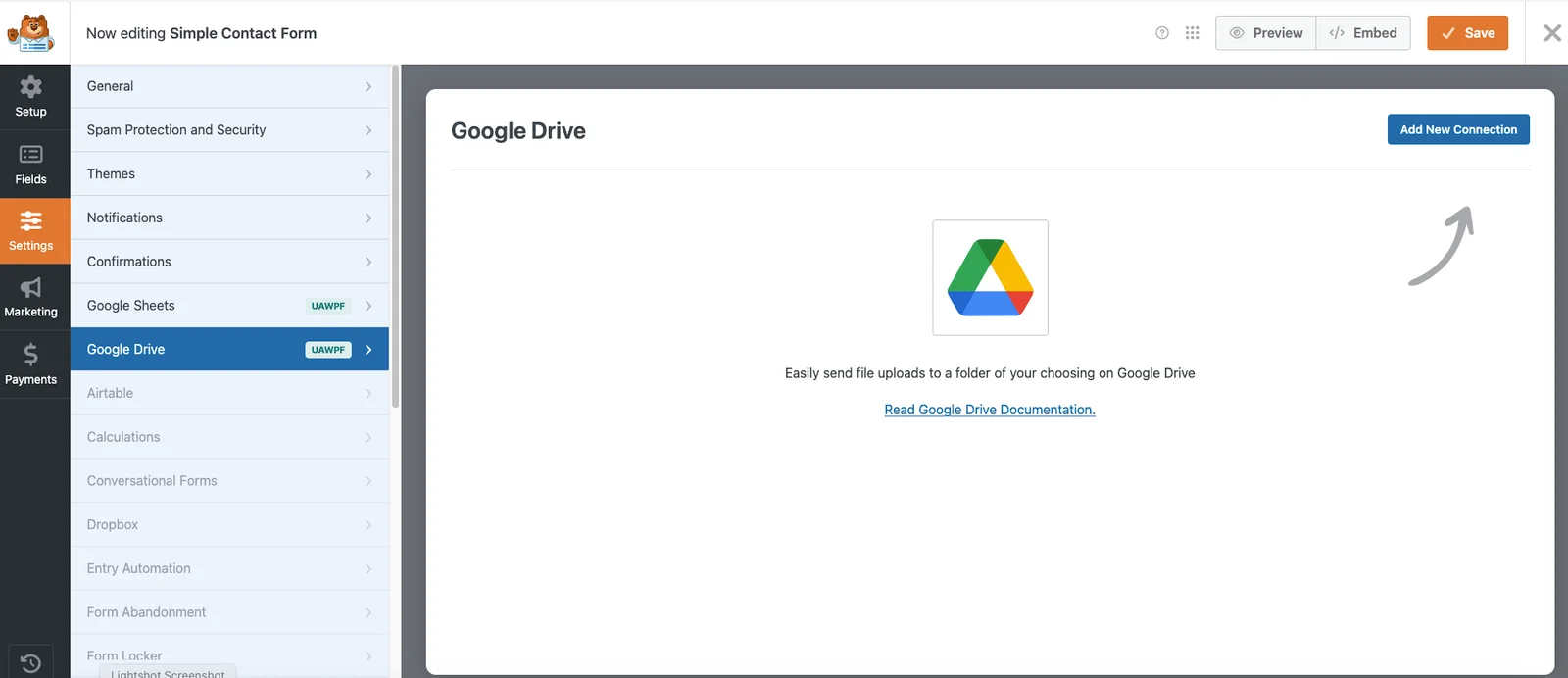
Yes! You can connect each WPForm to a different Google Drive folder. You can even create new folders directly from the integration settings.
Yes, it supports all file formats allowed by WPForms—such as images, PDFs, documents, spreadsheets, and more. The files are stored exactly as submitted.
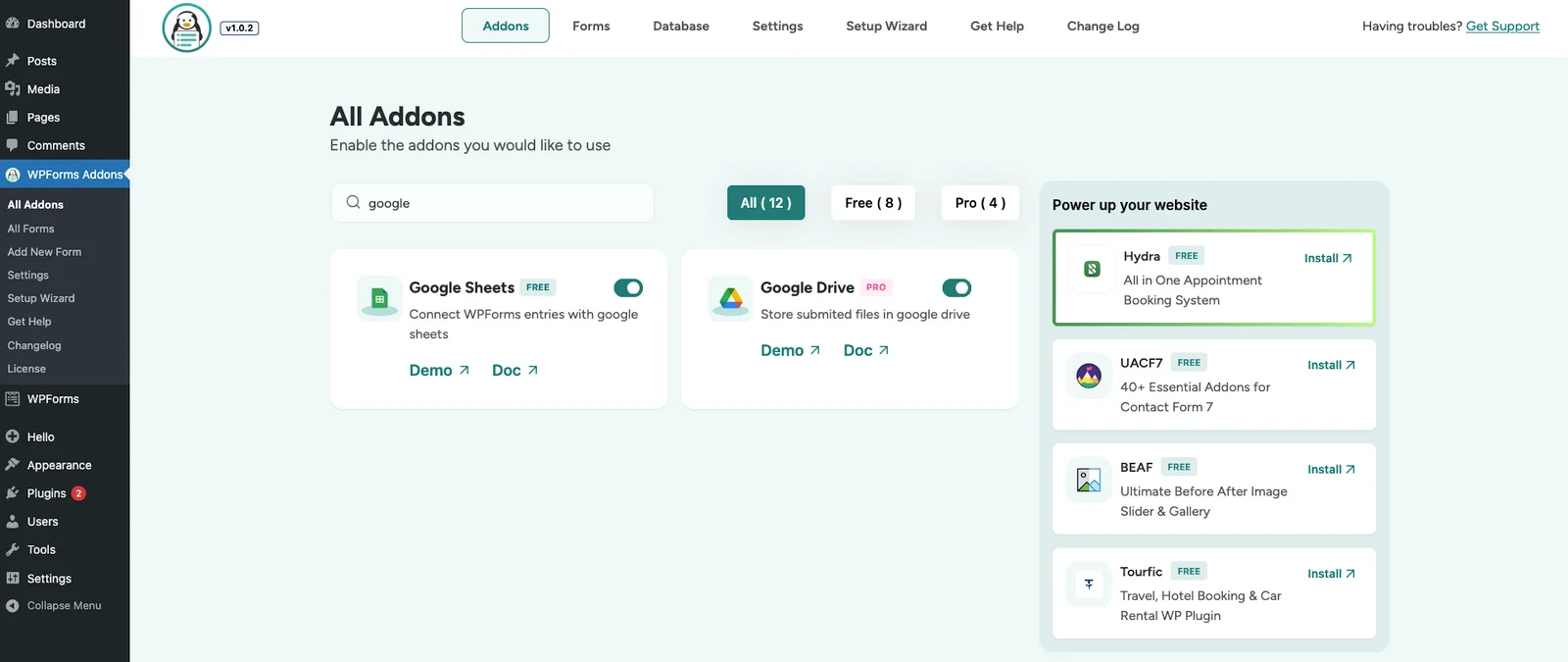
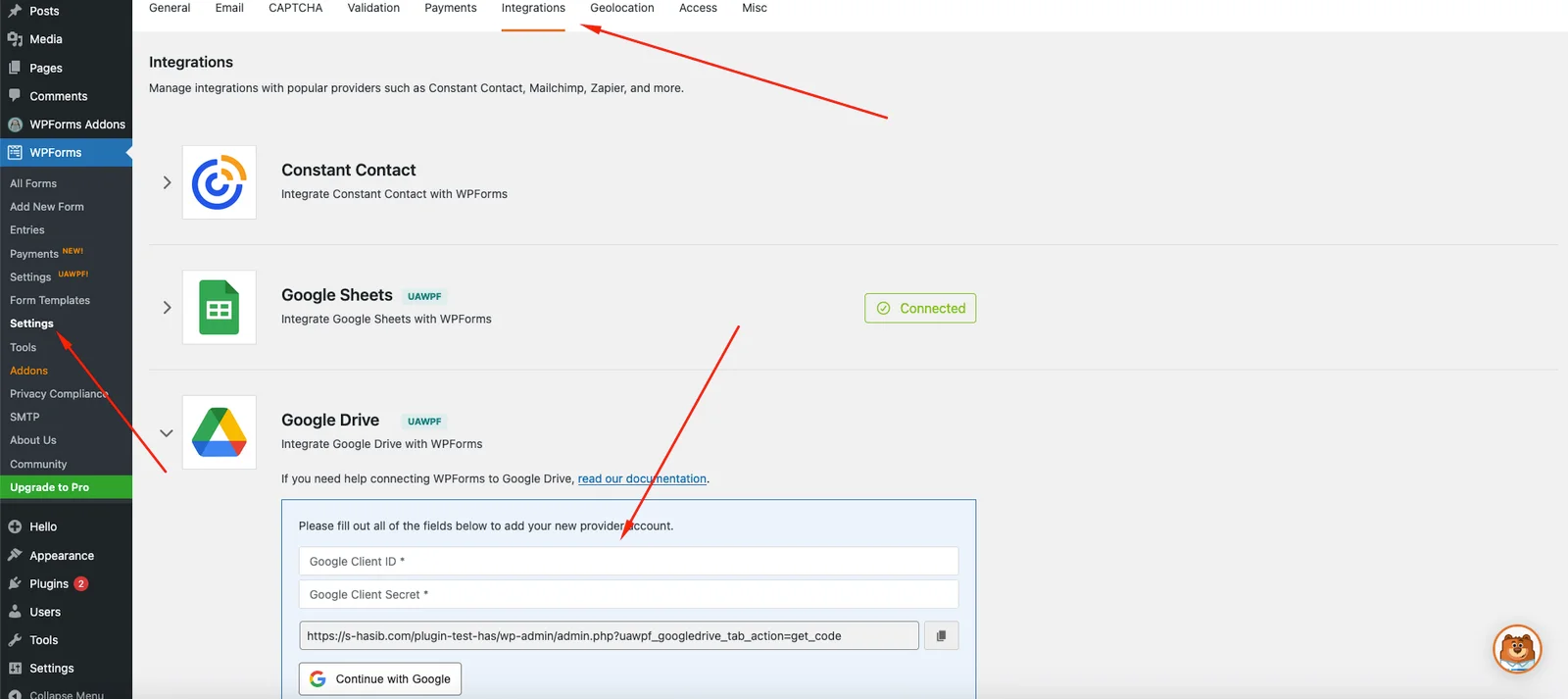
Not at all. The integration is fully beginner-friendly. Just connect your Google account, select your folder, and you’re ready to sync files instantly.


