Our Roadmap
Know What’s Next, Planned, and In Progress! Stay informed. It’s constantly updated in real-time, giving you a clear view of our development journey at every step.



rahmanweb (@rahmanweb)

mtgagents2021 (@mtgagents2021)
Yes. You’ll need an active Notion account and at least one database where form submissions can be stored.
Yes. Once your Notion account is connected, you can select and send data to any accessible database within your workspace.
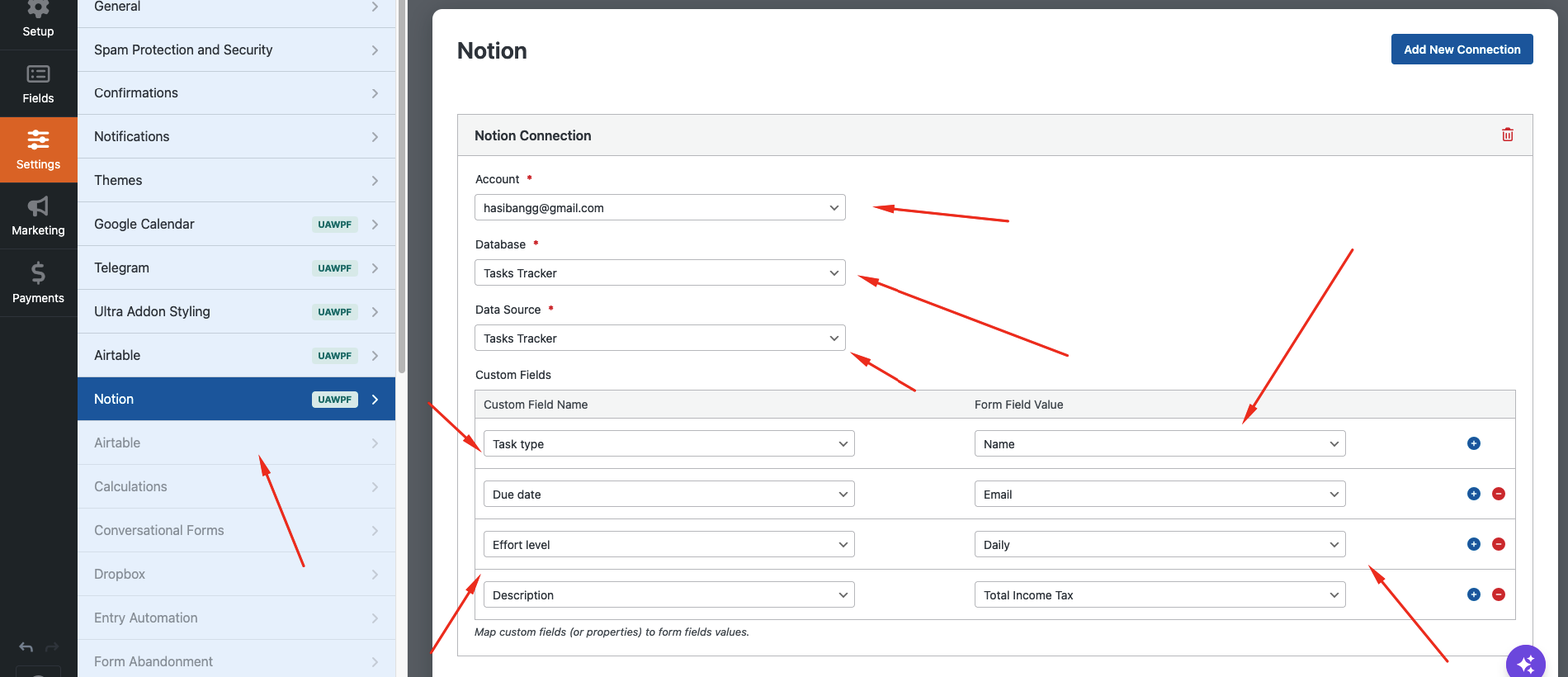
Absolutely. The addon supports field mapping, allowing you to connect form fields with matching database properties.
Yes. You can choose to send data to Notion only when specific form conditions are met.
Yes. Each form can be connected to a different Notion database, making it easy to manage multiple workflows.
No. The integration is designed with a user-friendly interface that requires no coding knowledge.