No Credit Card Required
Zoho CRM Integration for WPForms
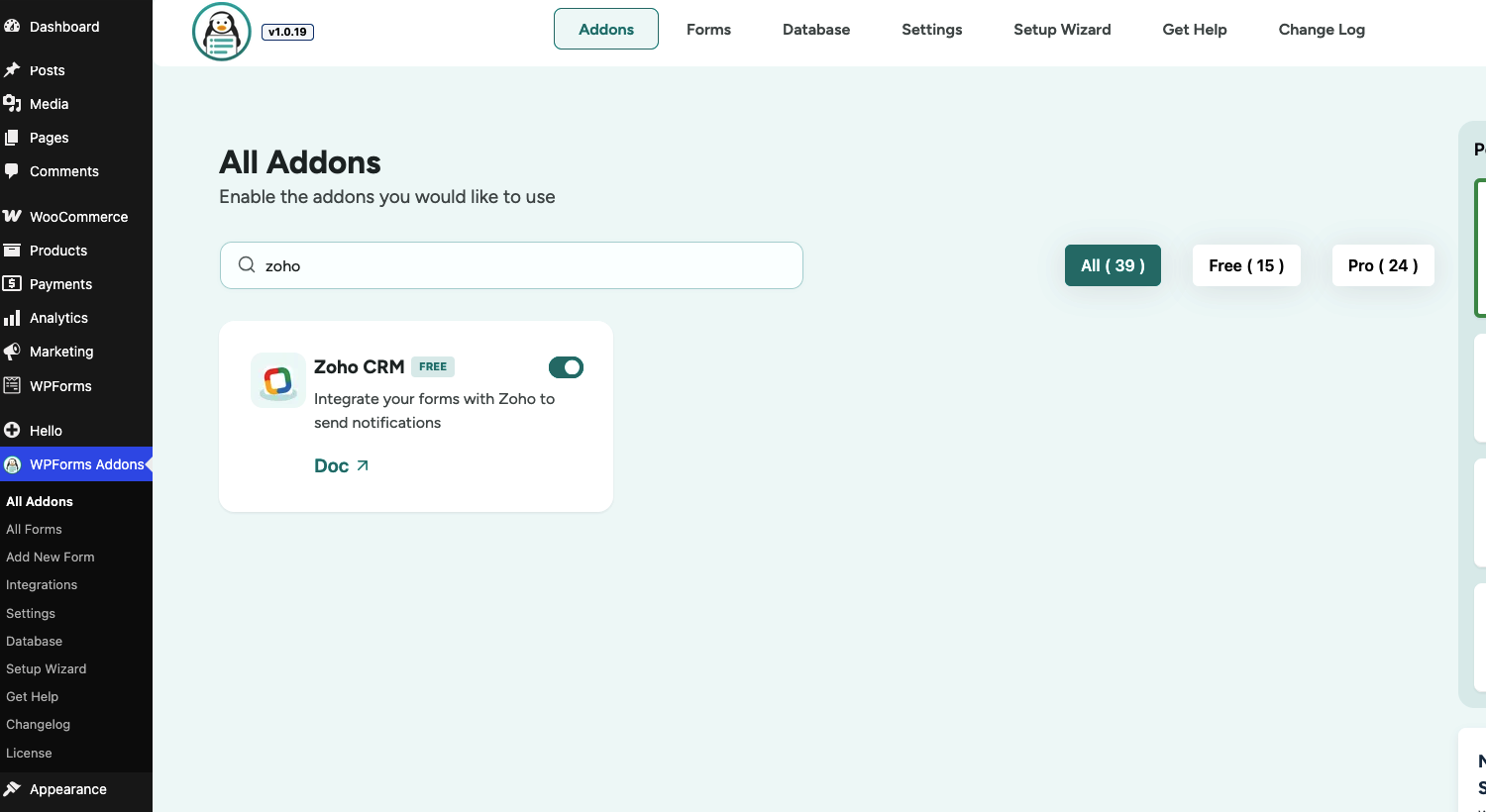
Stop wasting time on manual data entry. Effortlessly connect your WordPress forms to Zoho CRM and watch your form submissions sync as leads, contacts, or accounts in real-time.
Stop Manually Managing Leads Across Multiple Platforms
Try the Zoho Integration for WPFroms
Automatically send every WPForms submission directly to your Zoho CRM account—no copying, importing, or manual data entry required. Instantly create leads, contacts, and CRM records from your forms, keep customer information organized, and streamline your sales process. Perfect for contact forms, lead generation, consultations, registrations, support requests, and more.
Automatic Lead Capture
Convert form submissions into Zoho CRM leads automatically, ensuring no potential customer slips through the cracks.
Smart Field Mapping
Easily map WPForms fields to Zoho CRM fields to keep your customer data accurate and organized.
Create Contacts & Records
Automatically create contacts, leads, or custom CRM records based on your business workflow.
Conditional Data Sync
Send submissions to Zoho CRM only when specific conditions are met using powerful conditional logic.
Real-Time CRM Updates
Keep your sales team informed with instant data synchronization between WPForms and Zoho CRM.
Boost Sales Productivity
Eliminate repetitive data entry tasks and focus on converting leads and growing your business.
Click to Enlarge
A Sneak Peek of the Backend Editing Panel
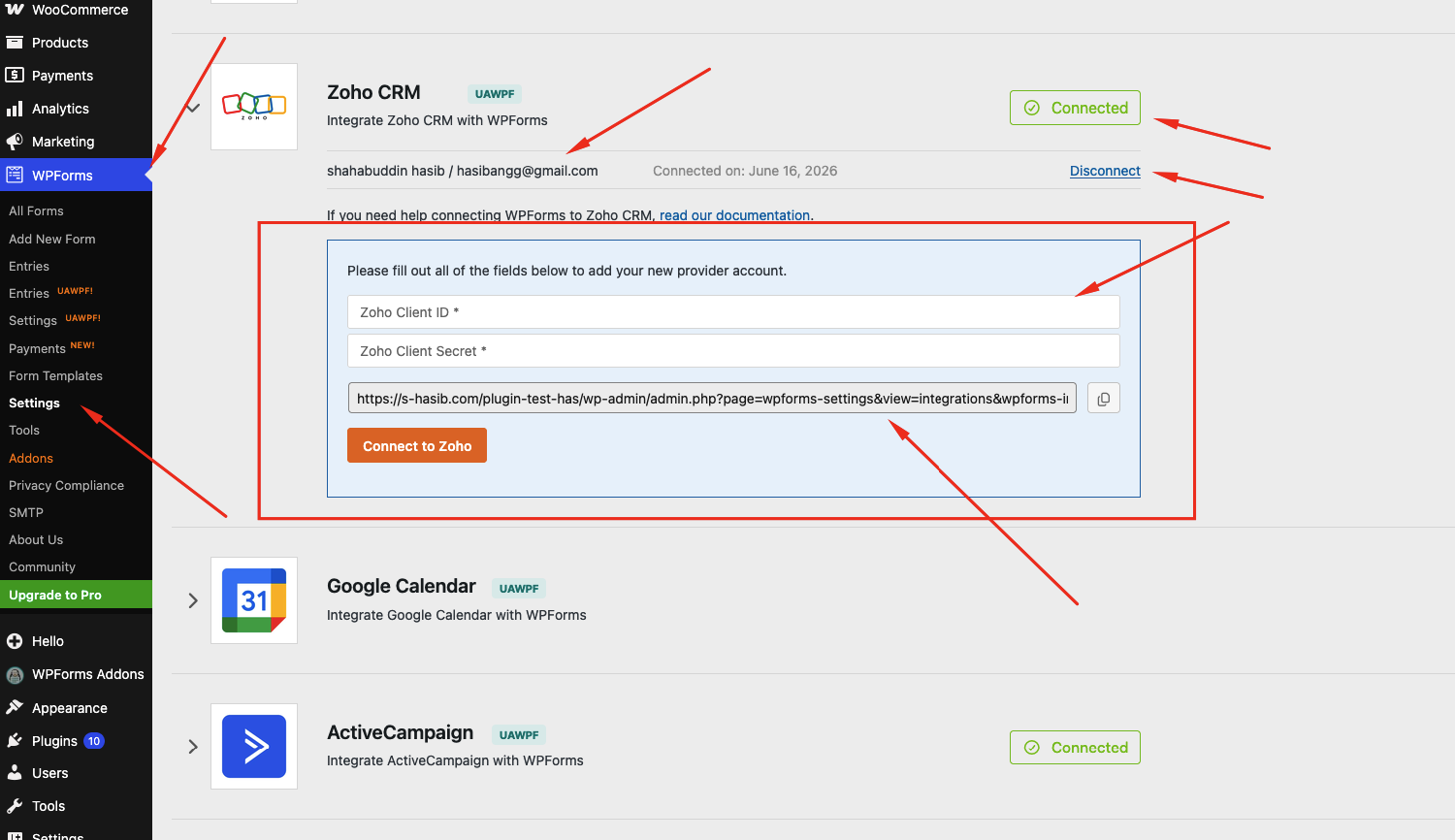
Explore the clean, intuitive backend of the Ultra Addons Zoho CRM Integration for WPForms. Connect your Zoho CRM account, configure your CRM connection, map form fields to leads and contacts, and customize automation settings—all in just a few clicks. Enjoy a seamless setup experience designed for efficiency, accuracy, and flexibility. Click the image to see how effortlessly you can automate lead management and keep your customer data synchronized between WordPress and Zoho CRM.
Step by Step Guide
How Zoho CRM Integration Works
Explore how our Zoho CRM Integration works seamlessly with WPForms to streamline your sales workflow. Watch how form submissions are automatically sent to Zoho CRM, where they can create leads, contacts, and other records, helping your team stay organized and respond faster.
People Also Asked...
Great features on the plugin! Even in the free version.
The best support I have ever came across. Thank you
Joynal for you help
The best support I have ever came across. Thank you
Joynal for you help
scribnet (@scribnet)
The support from the team has been incredible, they
have listened to our needs, worked out solutions, and
implemented them within the plugin very quickly.
have listened to our needs, worked out solutions, and
implemented them within the plugin very quickly.
mtgagents2021 (@mtgagents2021)
Do I need a Zoho CRM account to use this addon?
Yes. You’ll need an active Zoho CRM account along with a registered Zoho application to obtain your Client ID, Client Secret, and authorize the connection.
Can I create Leads or Contacts from WPForms submissions?
Yes. The addon allows you to automatically create records in supported Zoho CRM modules such as Leads, Contacts, and other available modules based on your configuration.
Can I map custom WPForms fields to Zoho CRM fields?
Absolutely. You can easily map standard and custom WPForms fields to the corresponding Zoho CRM fields, ensuring all submission data is stored accurately.
Does the Zoho CRM Integration support Conditional Logic?
Yes. You can enable Conditional Logic to send form submissions to Zoho CRM only when specific conditions are met, allowing you to build more targeted and efficient automation workflows.
Discover More Powerful Features!
Love this feature? You’ll be pleased to know that there’s a whole range of other powerful addons which works perfectly with our WPForms Database Addon.

Google Drive Integration
Automatically send every WPForms submission directly to your Google Drive. no manual uploading or organizing required.
Demo
File Upload Field
Easily allow users to upload images, documents, or any file type directly through your WPForms — simple, secure, and flexible.
Demo
Database addon
The Database addon helps store form data, view data in the admin backend, and export data in CSV format.
Demo
Multistep Addon
Create stunning multi-step forms with WPForms. Ideal for long forms and surveys.
Demo
Repeater Field
With this addon, you can add Repeatable Fields to WPForms. You can add all kinds of fields from text, files, checkboxes, radio buttons, textarea etc.
Demo
Mailchimp Addon
A key feature of Mailchimp Pro is the ability to add an acceptance checkbox to your forms. It will give users the choice to opt-in to receiving emails
DemoWe need your help!
Love this feature? You’ll be pleased to know that there’s a whole range of other powerful addons which works perfectly with our WPForms Database Addon.