Our Roadmap
Know What’s Next, Planned, and In Progress! Stay informed. It’s constantly updated in real-time, giving you a clear view of our development journey at every step.



scribnet (@scribnet)

mtgagents2021 (@mtgagents2021)
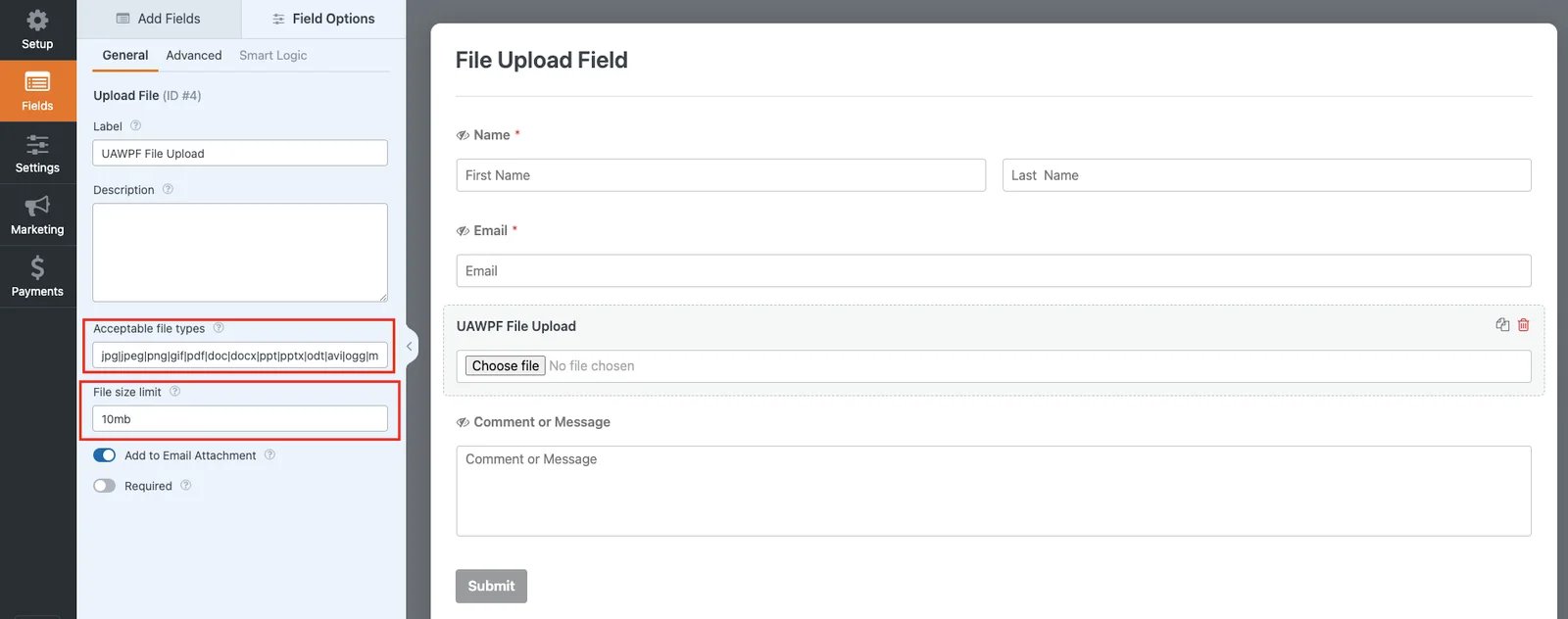
Absolutely — and you have full control. You can set the maximum file size allowed for each upload and specify which file formats are accepted (like JPG, PNG, PDF, DOCX, ZIP, etc.) directly from the backend.
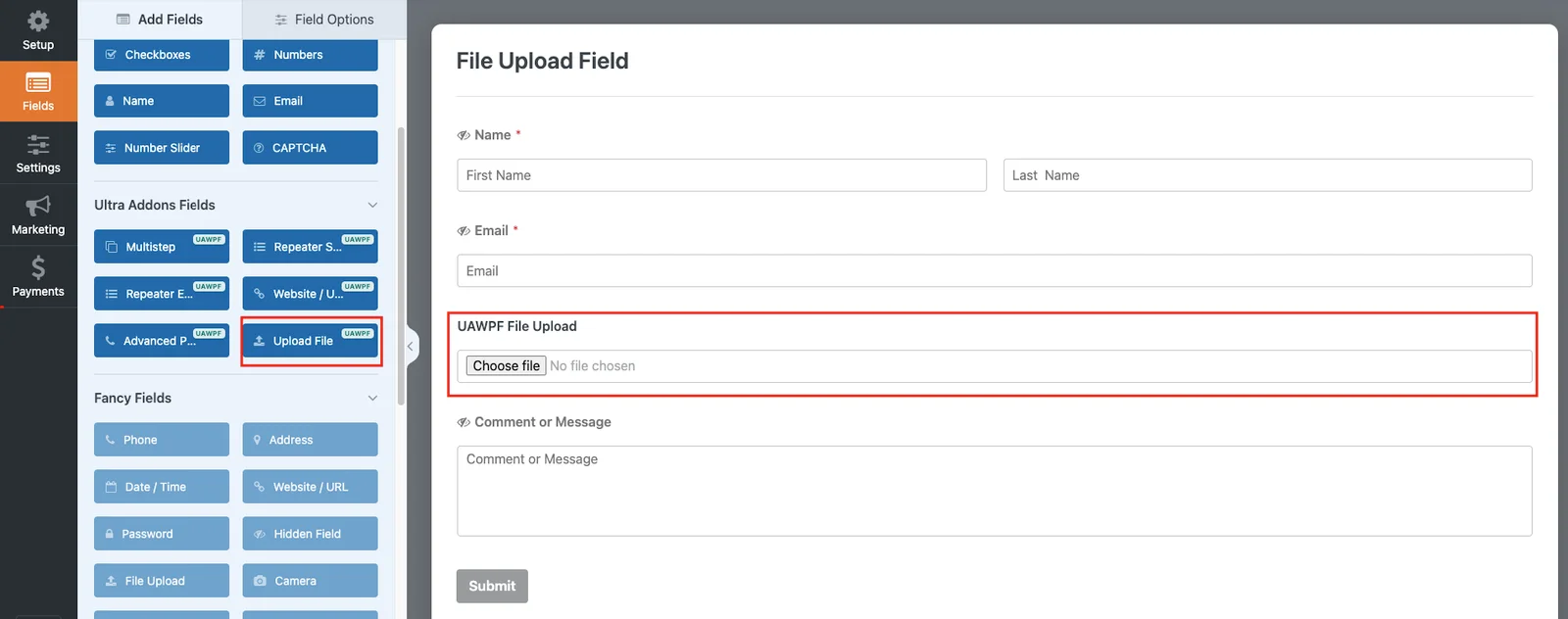
Uploaded files are automatically saved to your WordPress uploads directory and are also linked within each form WPForms Database Addon. You can view or download them directly from the WPForms Database Addon page.
Yes! The File Upload Field is fully compatible with WPForms’ conditional logic and notification system. You can show/hide the upload field based on user choices and even include uploaded files as attachments in your form emails.
Definitely. The File Upload Field uses WordPress’s built-in file handling for safe uploads and validation, ensuring only approved file types are accepted.
It also includes a modern drag-and-drop upload interface for users — making file submission fast, smooth, and intuitive on both desktop and mobile devices.